
CAD Viewer
DWG & DXF Viewer
for Google Drive & Gmail
Open and view AutoCAD files directly from Google Drive or Gmail attachments.
 Google Drive
 Gmail
GmailDWG Viewer Built for Google Workspace
Open AutoCAD DWG and DXF files directly from Google Drive, Gmail, and Chrome — no plugins or desktop software needed
DWG Viewer for Google Drive
Right-click any DWG or DXF file in Google Drive and open it instantly. No downloads, no file transfers — view AutoCAD files where they live.
DWG Viewer for Gmail
Preview DWG and DXF email attachments directly in Gmail. Click to view CAD drawings without downloading files to your computer.
DWG Viewer for Chrome
View DWG files in any Chromium browser — Chrome, Edge, Brave, or Arc. Works on Windows, Mac, Linux, and Chromebook.
Professional DWG & DXF Viewing Tools
Everything you need to view AutoCAD files online — layers, measurements, and more
Open DWG Files Instantly
View AutoCAD DWG and DXF files in seconds. Support for all AutoCAD versions from R12 to 2025 — no software installation required.
DWG Layer Control
Toggle DWG layers on and off, inspect layer properties, and navigate complex AutoCAD drawings with ease.
Measure DWG Drawings
Measure distances, areas, and angles on your DWG files. Get accurate dimensions from AutoCAD drawings without AutoCAD.
How to Open DWG Files in
Google Drive & Gmail
Install the free CAD Viewer add-on to view DWG files directly in Google Drive. Preview AutoCAD attachments in Gmail without downloading. The easiest way to open DWG files online.
- Open DWG files in Google Drive with right-click
- View DWG attachments in Gmail without downloading
- Share AutoCAD drawings with view-only links
- Works in Chrome, Edge, Firefox & Safari
Install from MarketplaceMy DriveOpen with CAD Viewer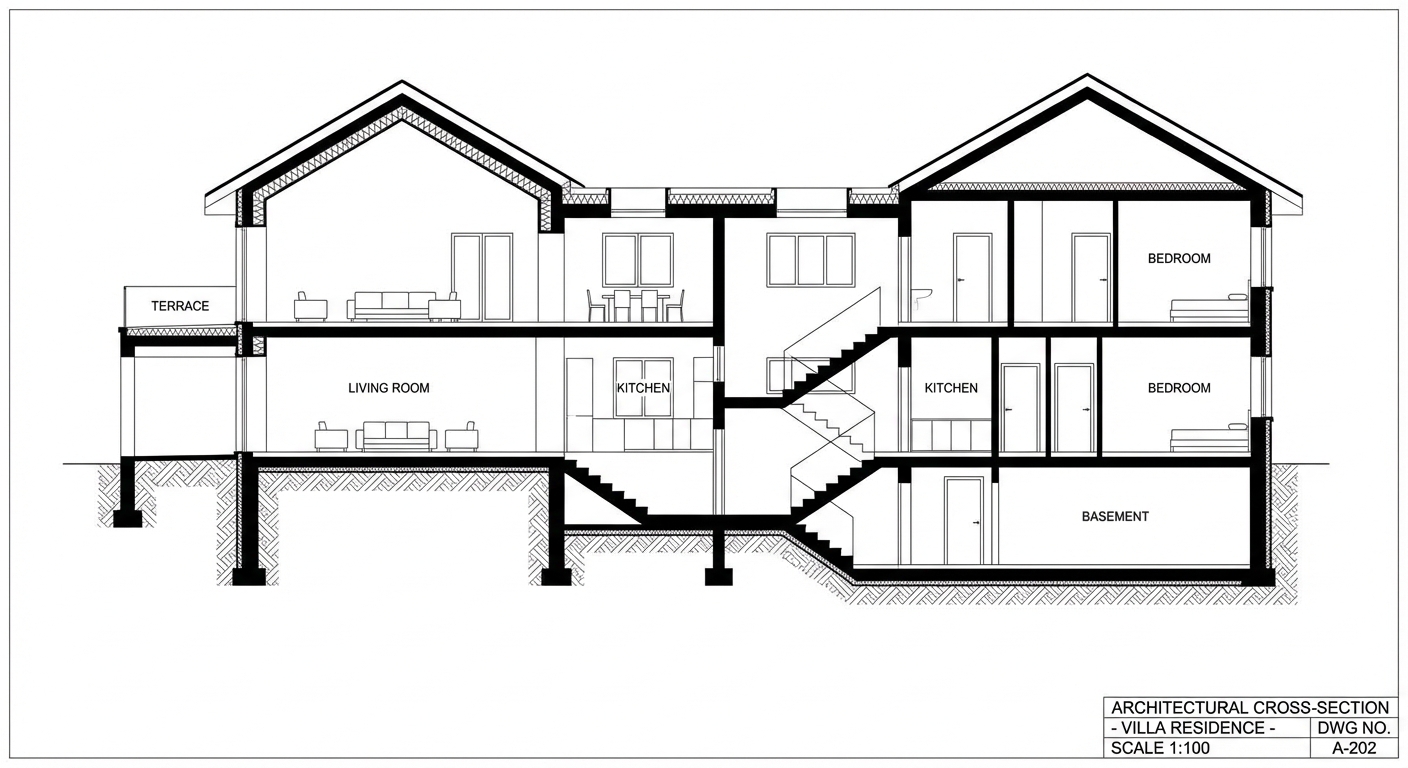


AI-Powered
Photorealistic Renders
Transform your DWG drawings into stunning photorealistic images. Choose from dozens of styles and environments — all powered by AI.
Try AI RenderingShare AutoCAD Drawings
Without Sending Files
Share DWG files with clients who don't have AutoCAD. Send a link to view drawings online, leave comments on specific areas, and get feedback — no software needed on their end.
building-layout.dwg